
Exact equity,
not an estimate.
A native Mac workbench for Hold'em ranges, board texture and the equity behind them. No account, no network.
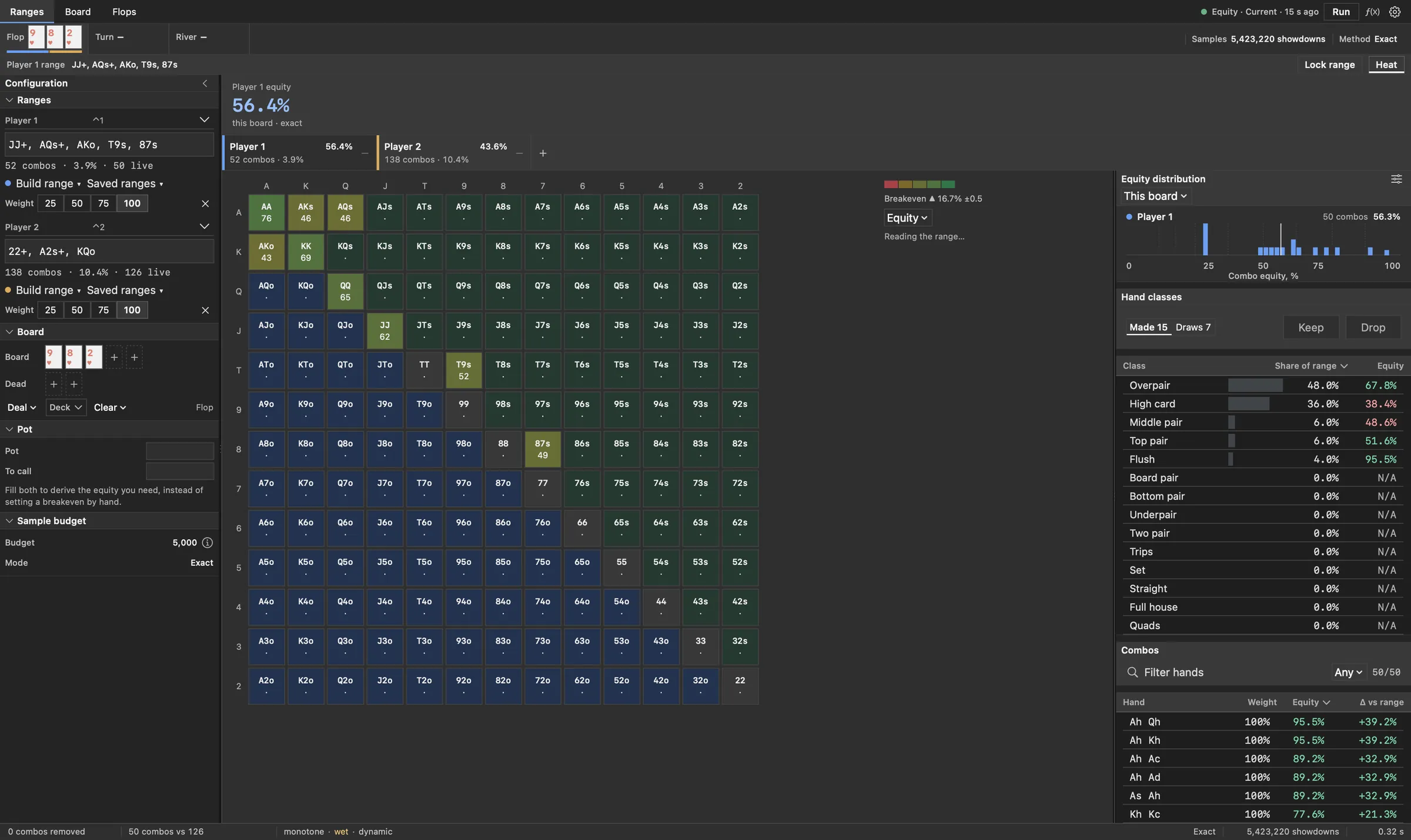
What is in it.
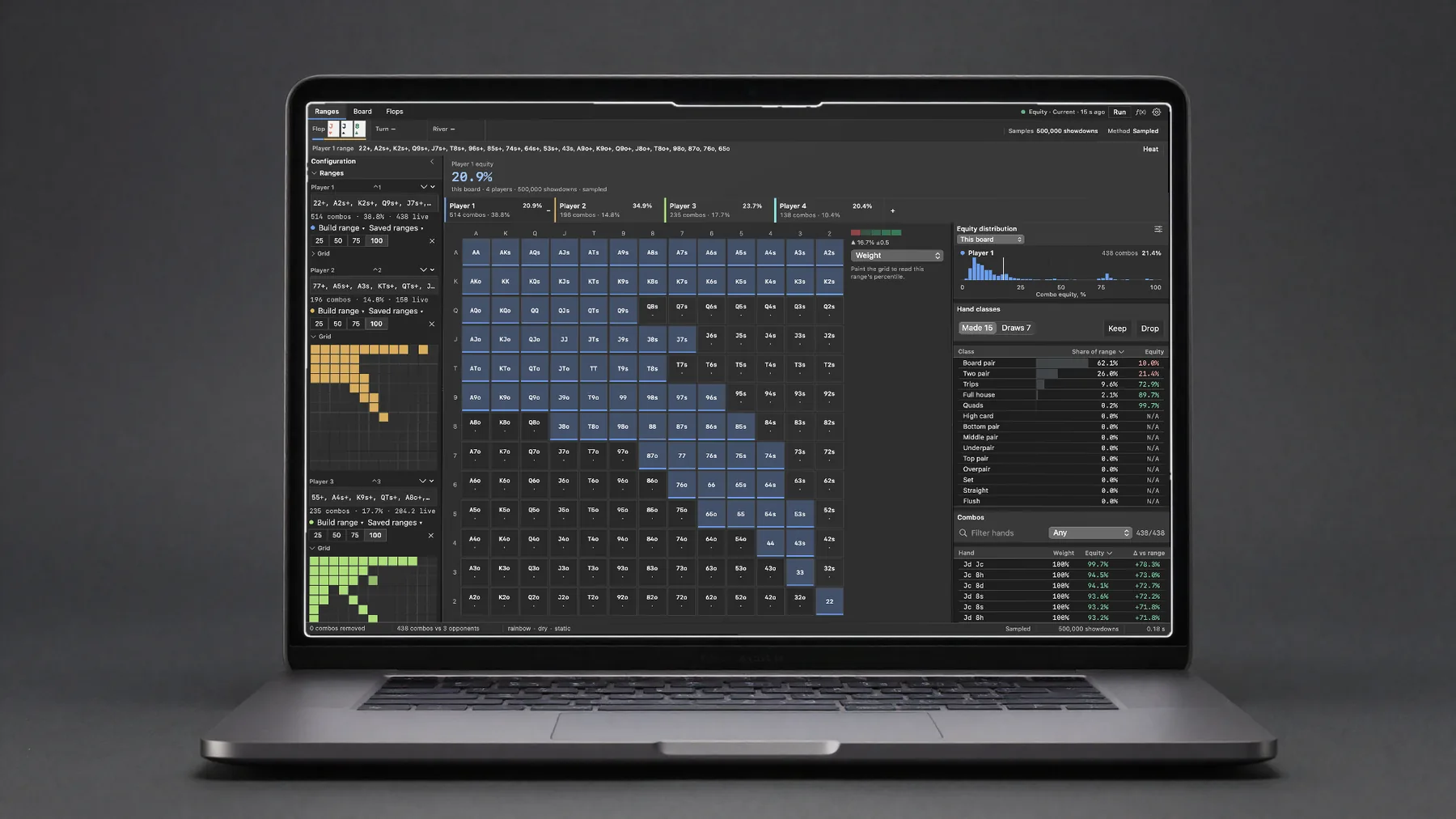
- RangesA weighted 13x13 grid, equity heat, hand classes, every combination
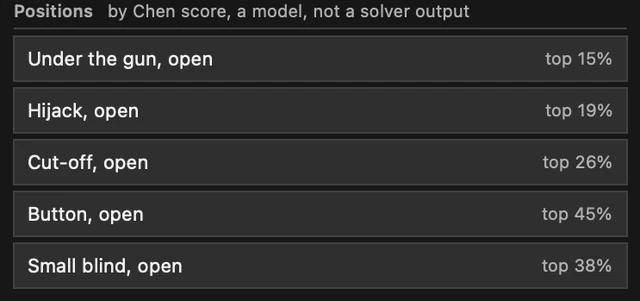
- Building a rangeNotation, top-percent orderings, position models, saved starting points
- BoardFour-colour picker, per-seat equity, distributions across the field
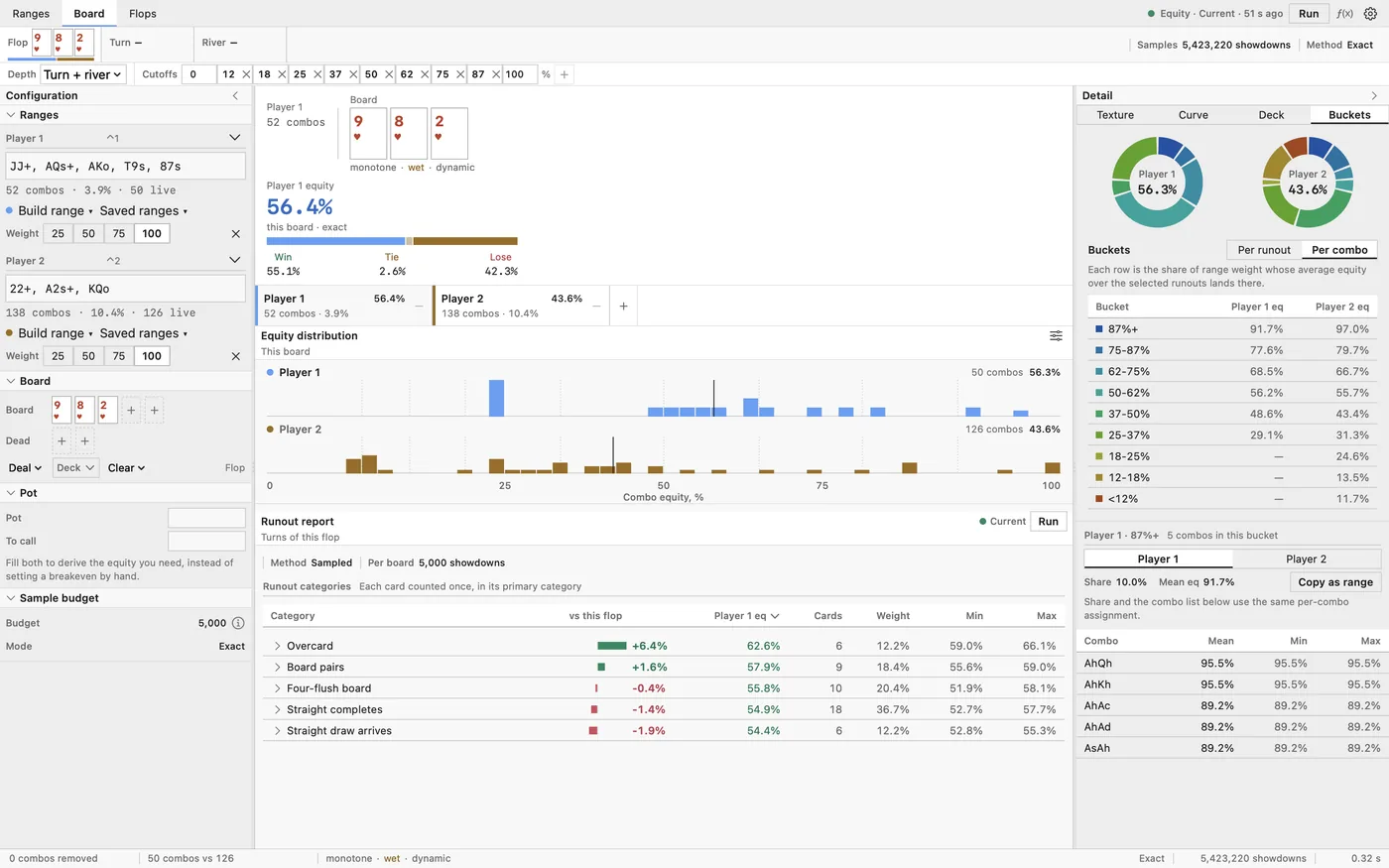
- The detail columnTexture, Curve, Deck and Buckets, side by side with the board
- RunoutsEvery turn and river, grouped and scored against the flop
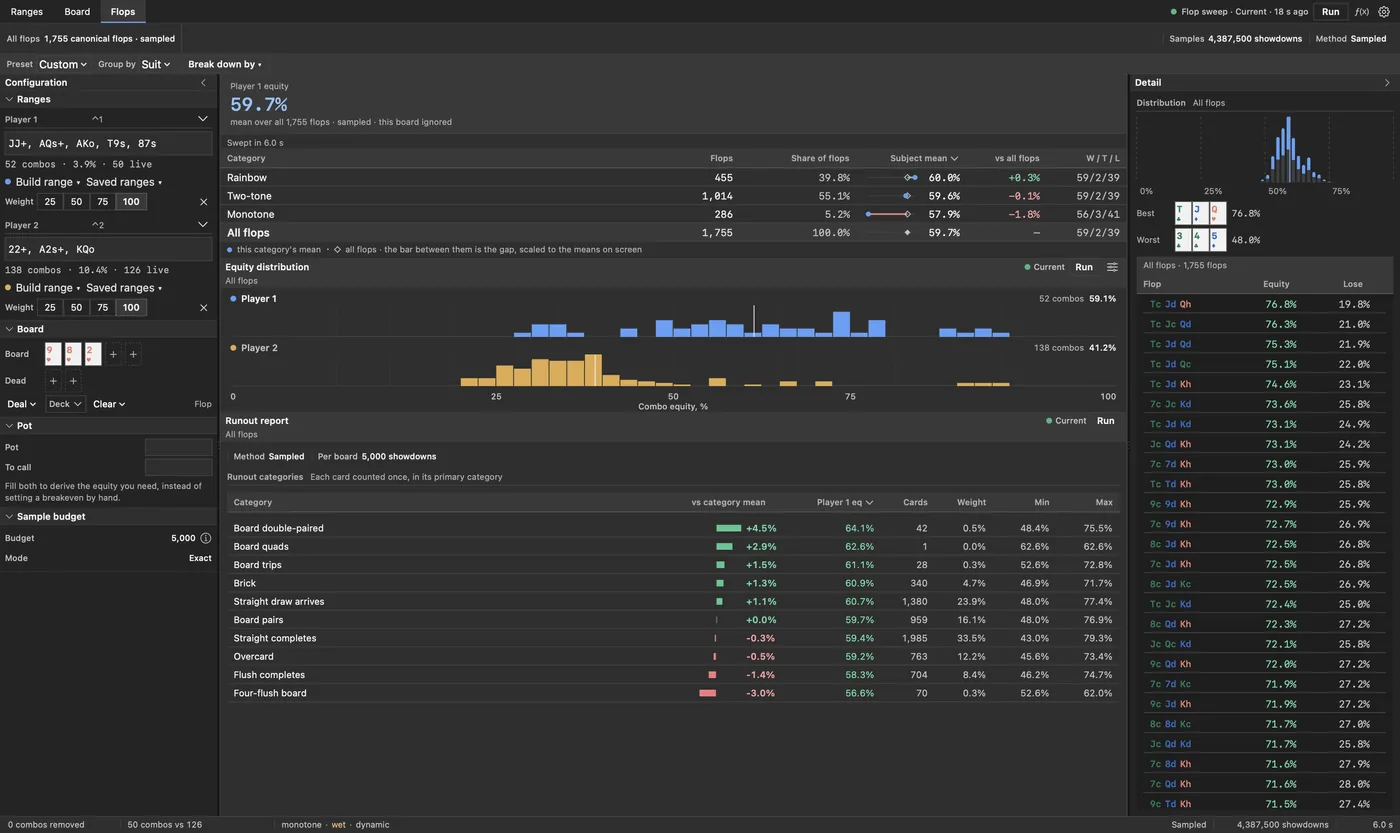
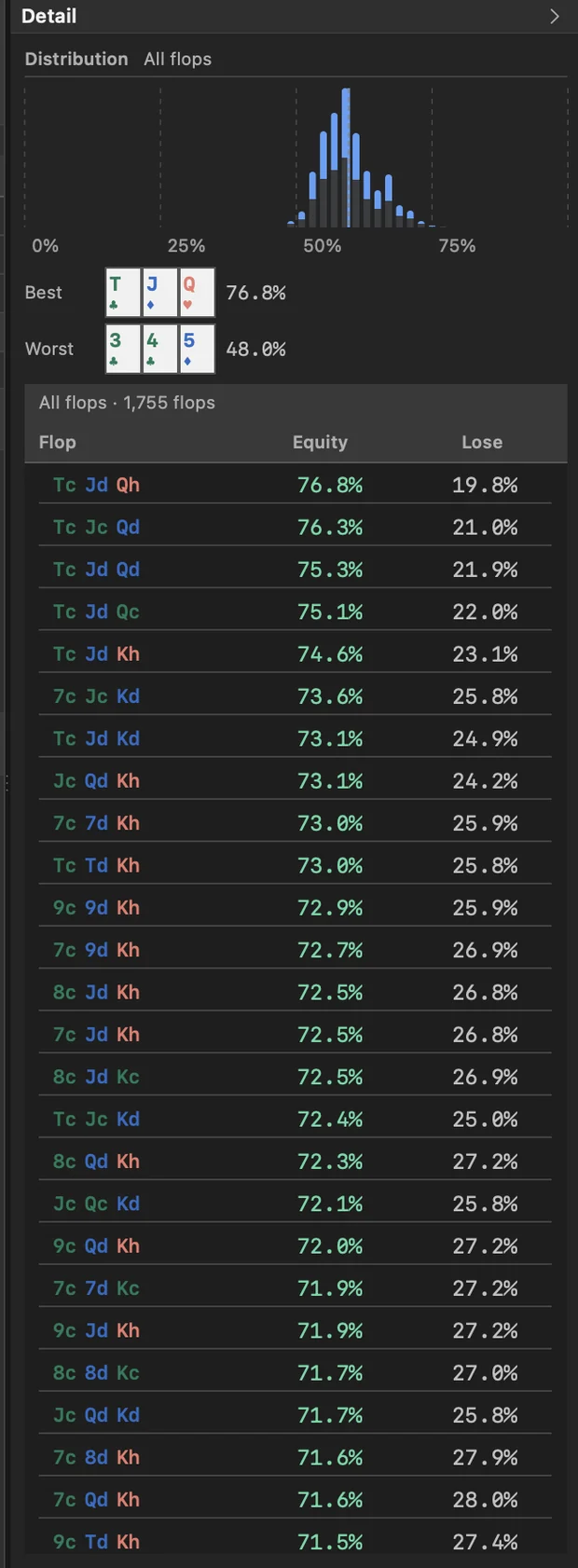
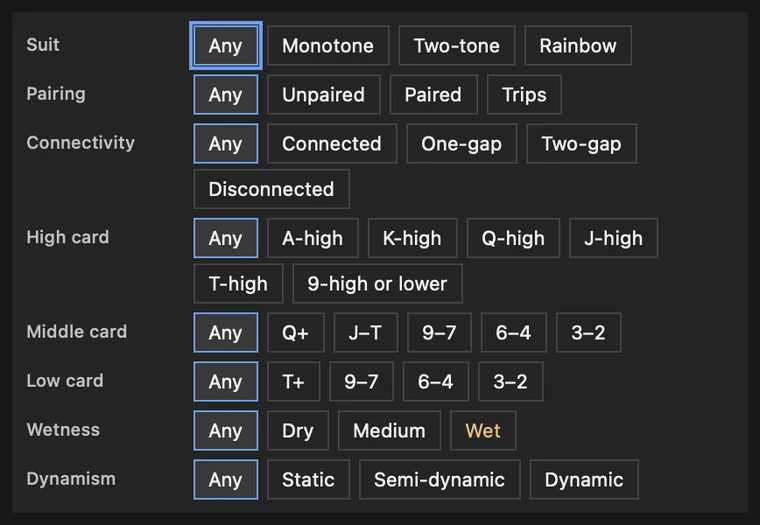
- FlopsA sweep over all 1,755 canonical flops, filtered by texture
- MethodExact enumeration where it fits, seeded simulation where it does not
- Pot oddsA breakeven number the heat ramp centres on
- Scenarios and exportNamed spots, TSV out, keyboard for the whole thing
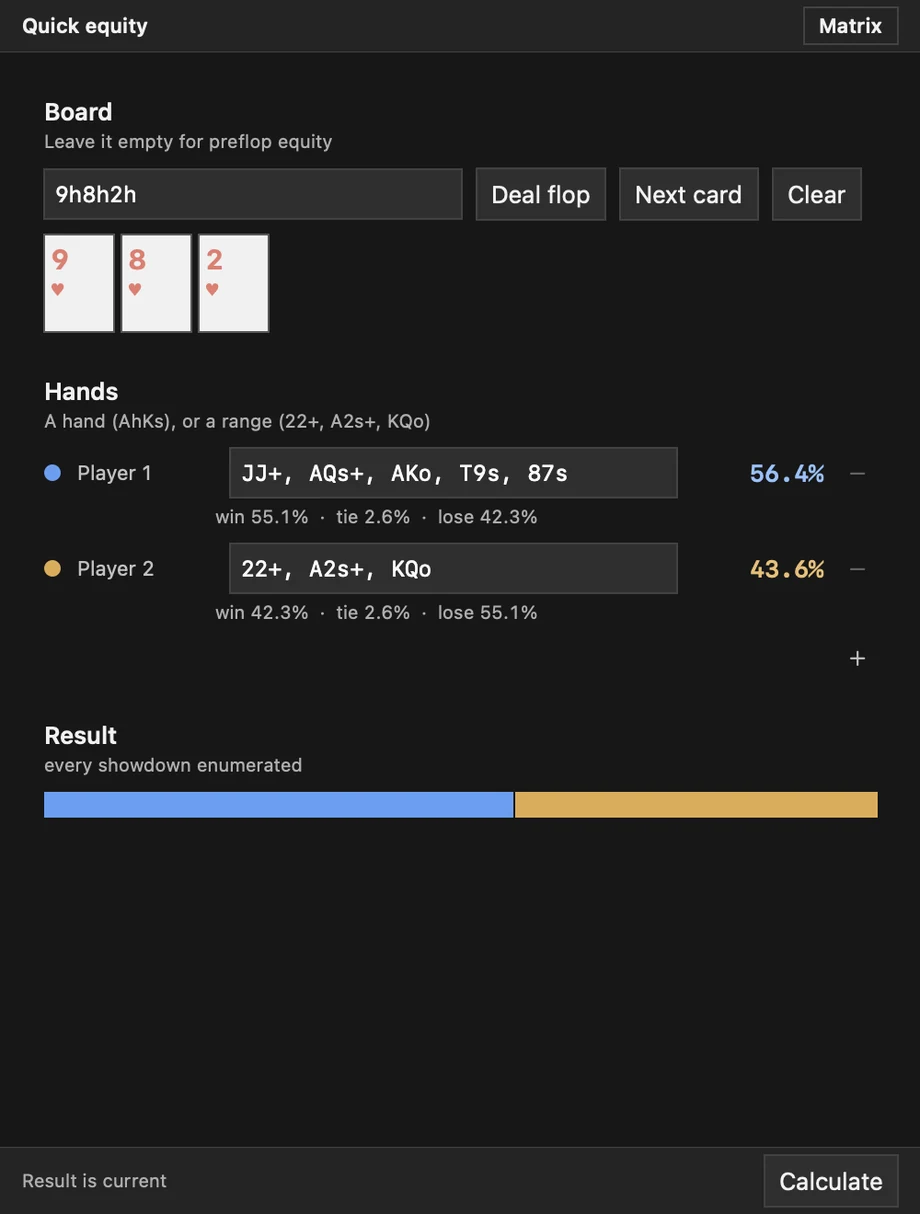
- Quick equityA small window for a single number
- SettingsDensity, precision, colour pairs, colour-blind safe palettes
- The honest partWhat it does not do, and what it never sends
Ranges
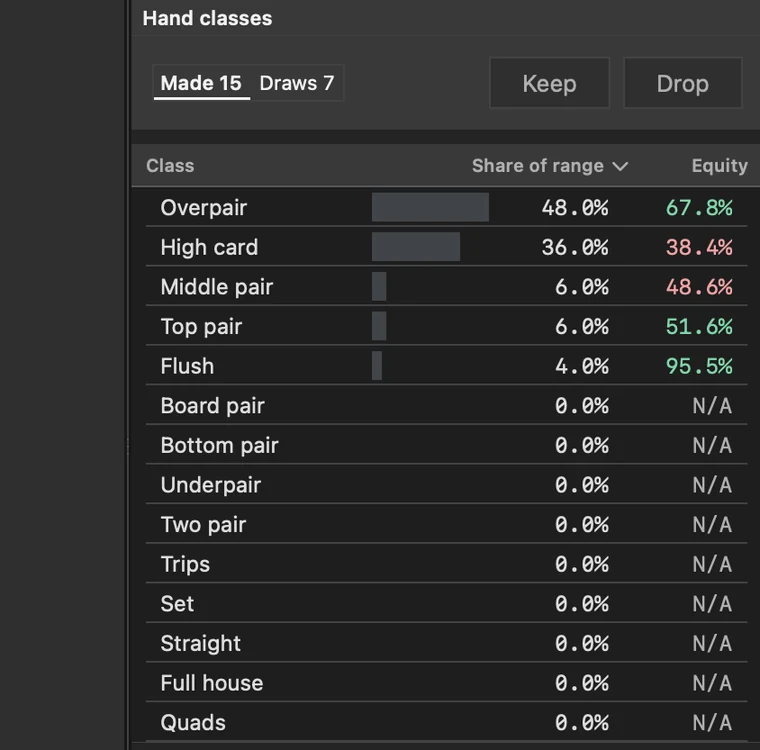
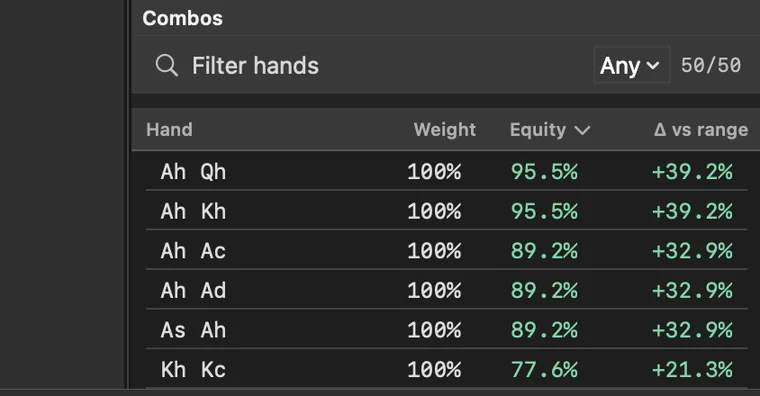
The workspace you will spend the most time in. Every player in the hand gets a range, and every range gets read against the same board at the same time.
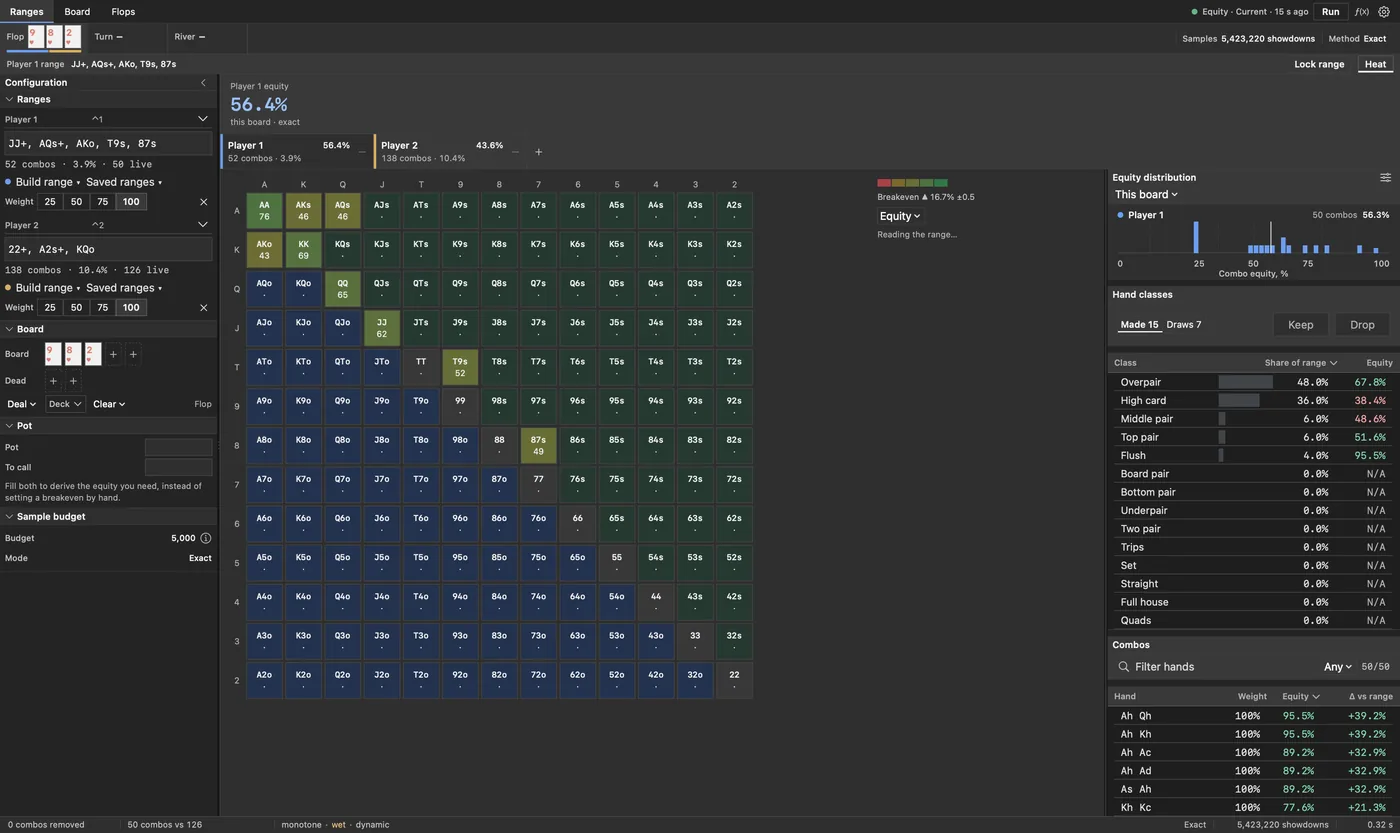
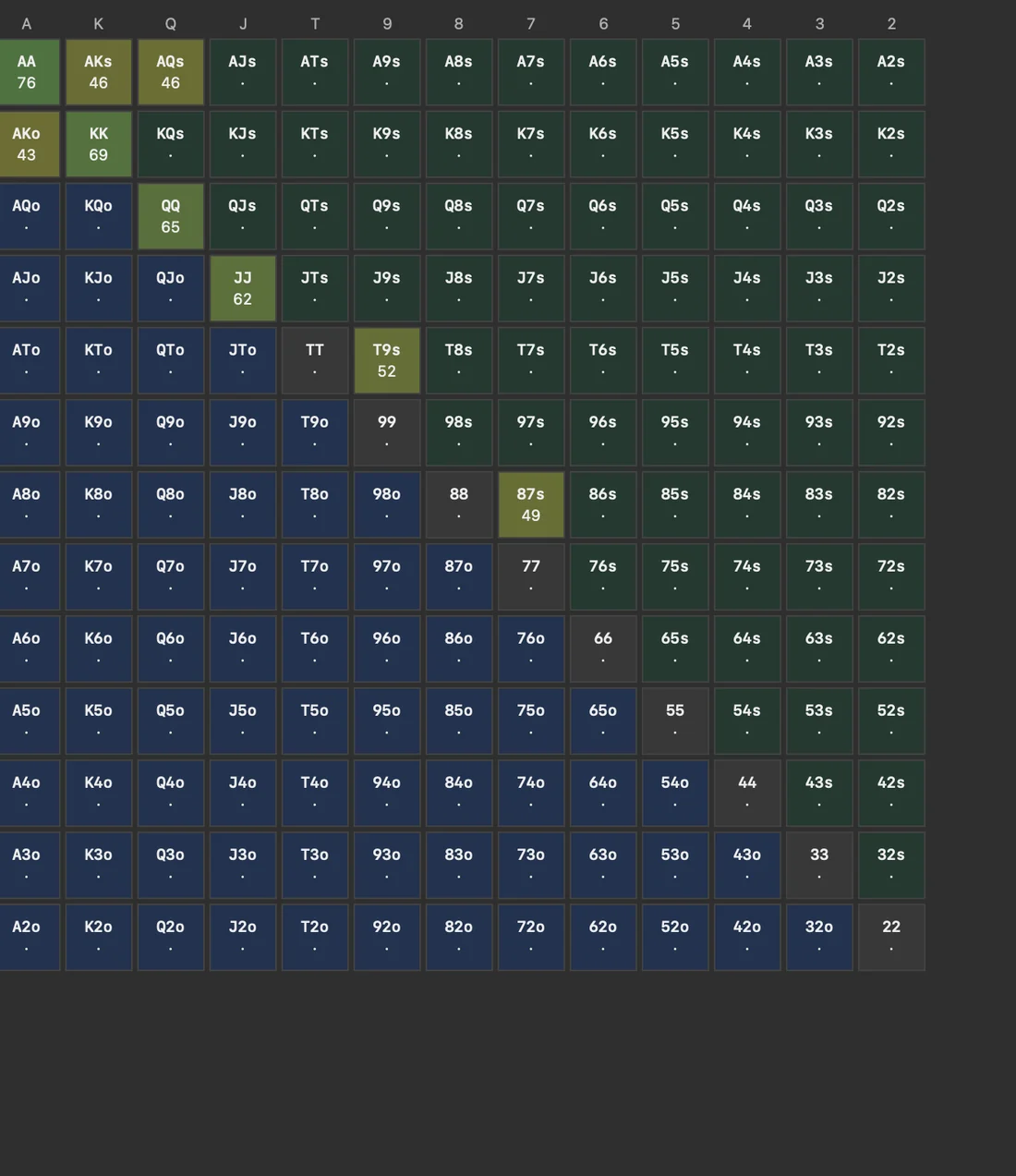
Heat, not guesswork
Switch the grid from weight to equity and every cell is coloured by how the hand actually performs on this board, on a continuous ramp rather than in buckets. The ramp centres on your breakeven number, so the colour boundary is the decision boundary.
Two ramps ship, red to green and amber to blue, because the first one is unreadable for a good share of players.

Building a range
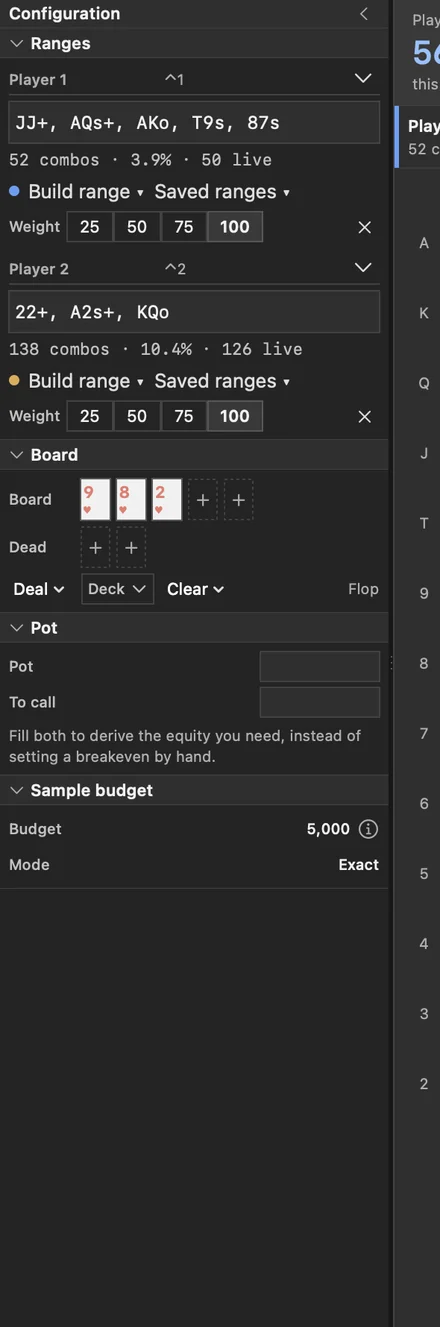
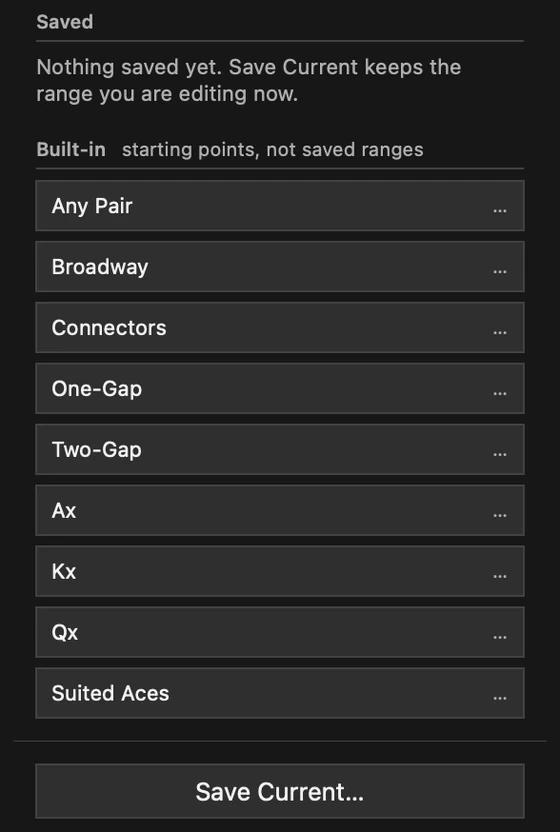
Type it, paint it, or start from something and edit. All three end in the same place.
JJ+, AQs+, A5s-A2s, KQoStandard notation, parsed as you type.50%(QQ+)Half the combinations, carried through the maths rather than rounded away.AhKsOne exact holding, when that is the question.55-22, AhKsSubtract combination by combination from whatever you have built.

Board
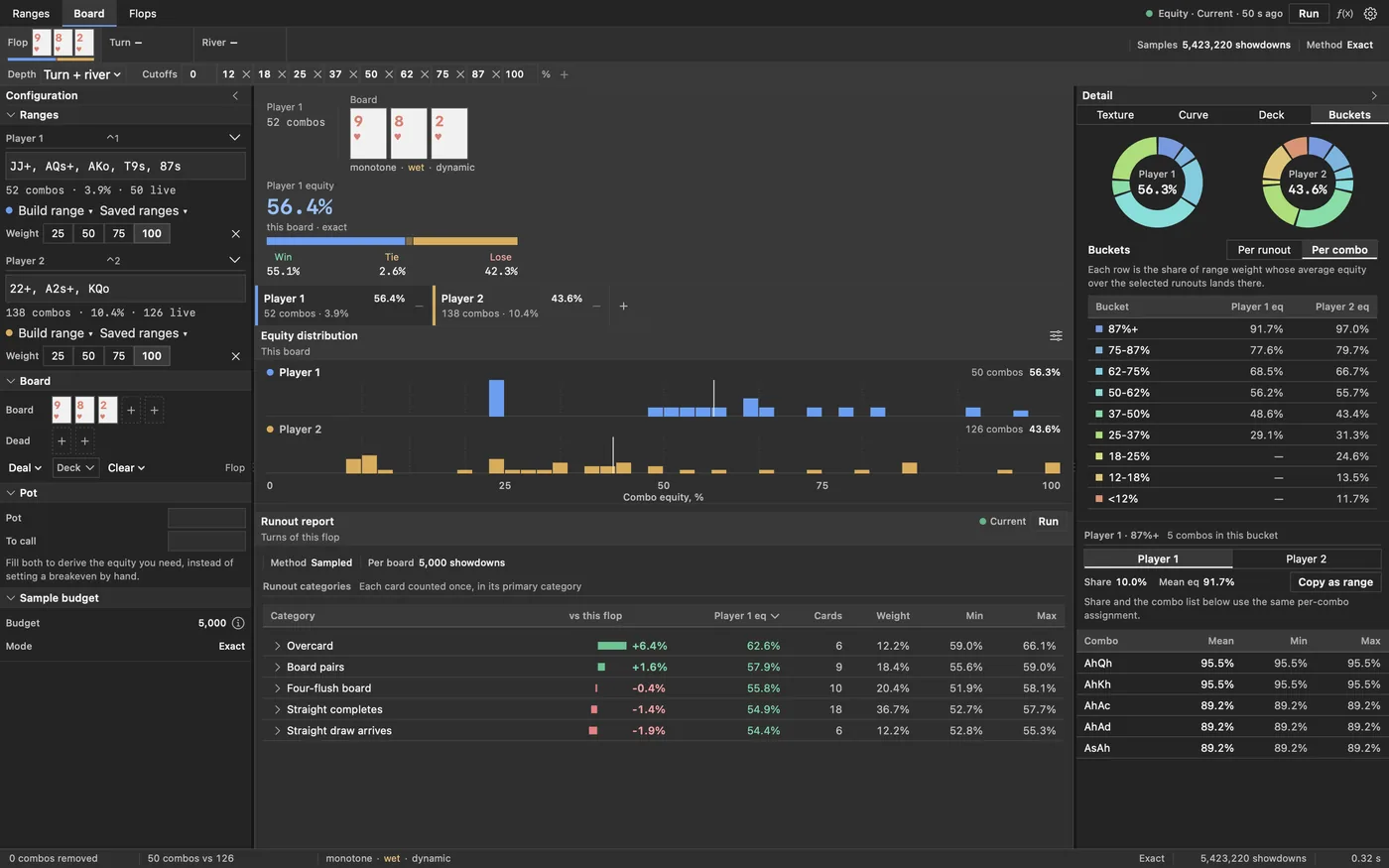
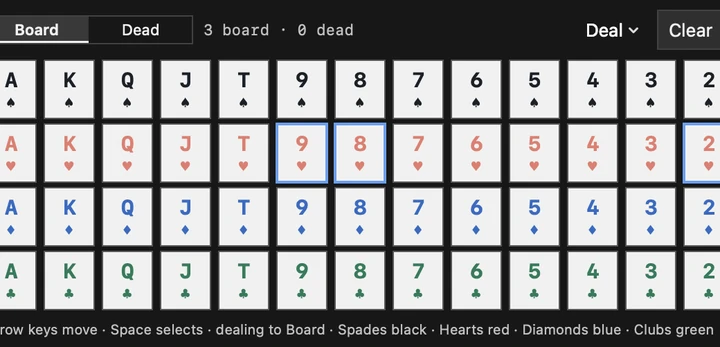
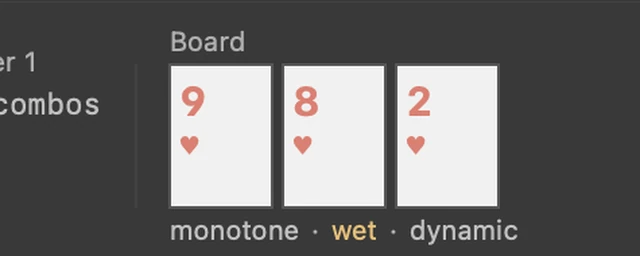
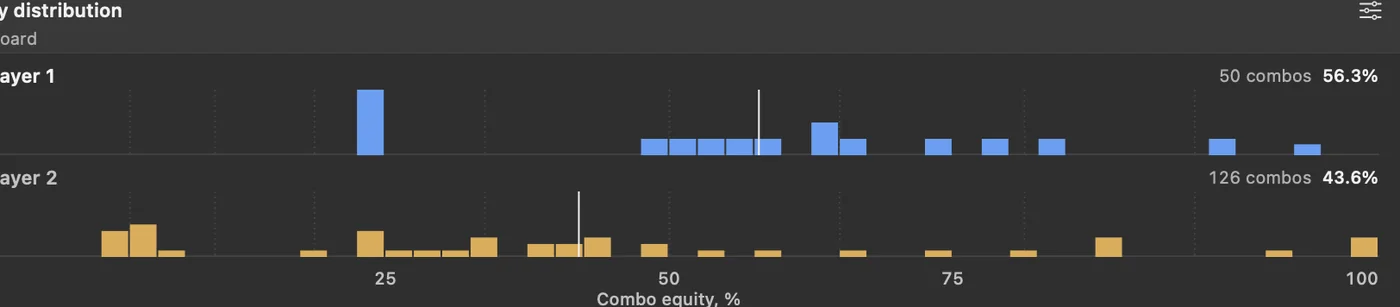
Deal a flop, turn or river and read what it did to everyone at once.
The detail column
Four readings of the same spot, in the column beside the board. One is showing at a time, and the ranges never move underneath you.
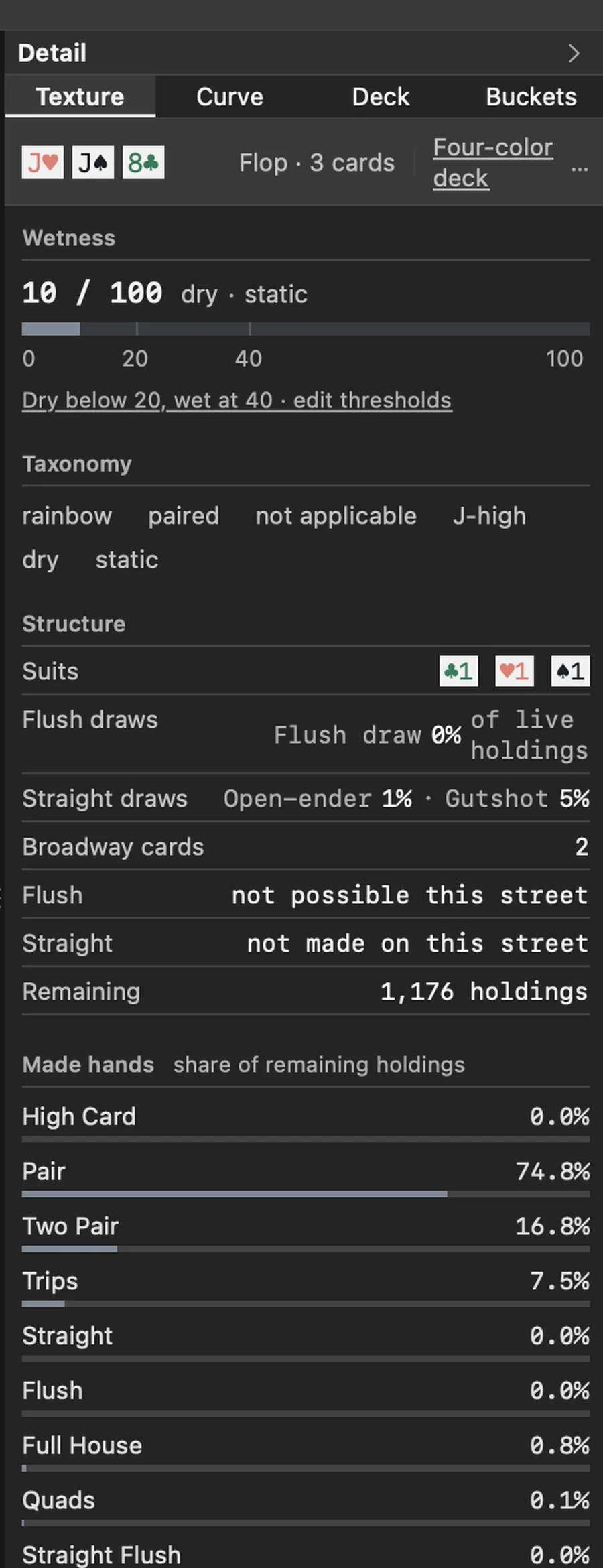
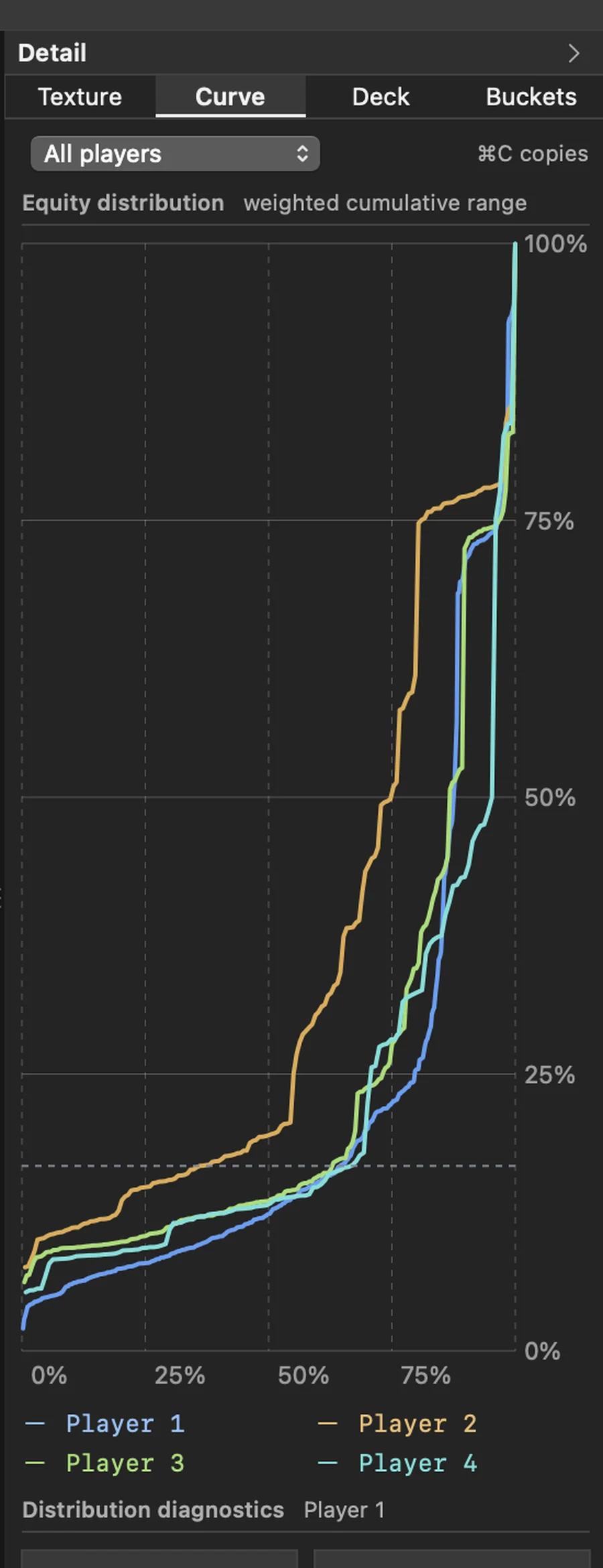
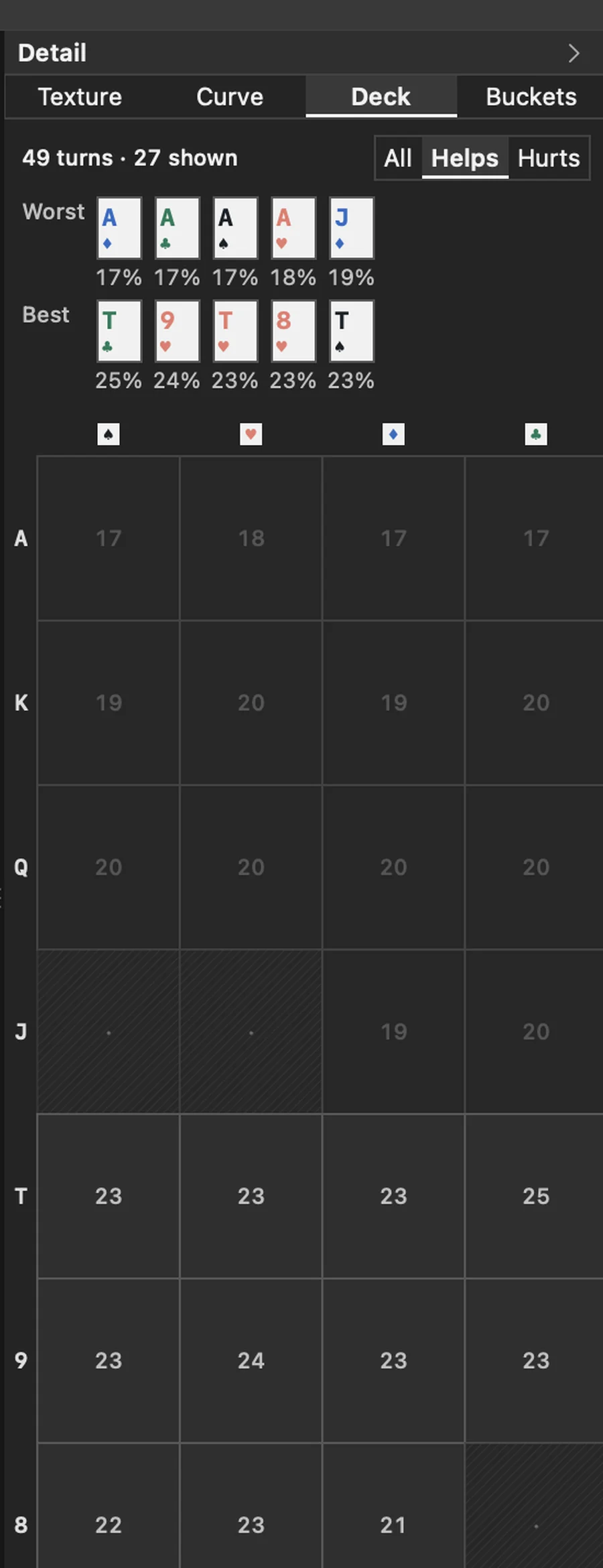
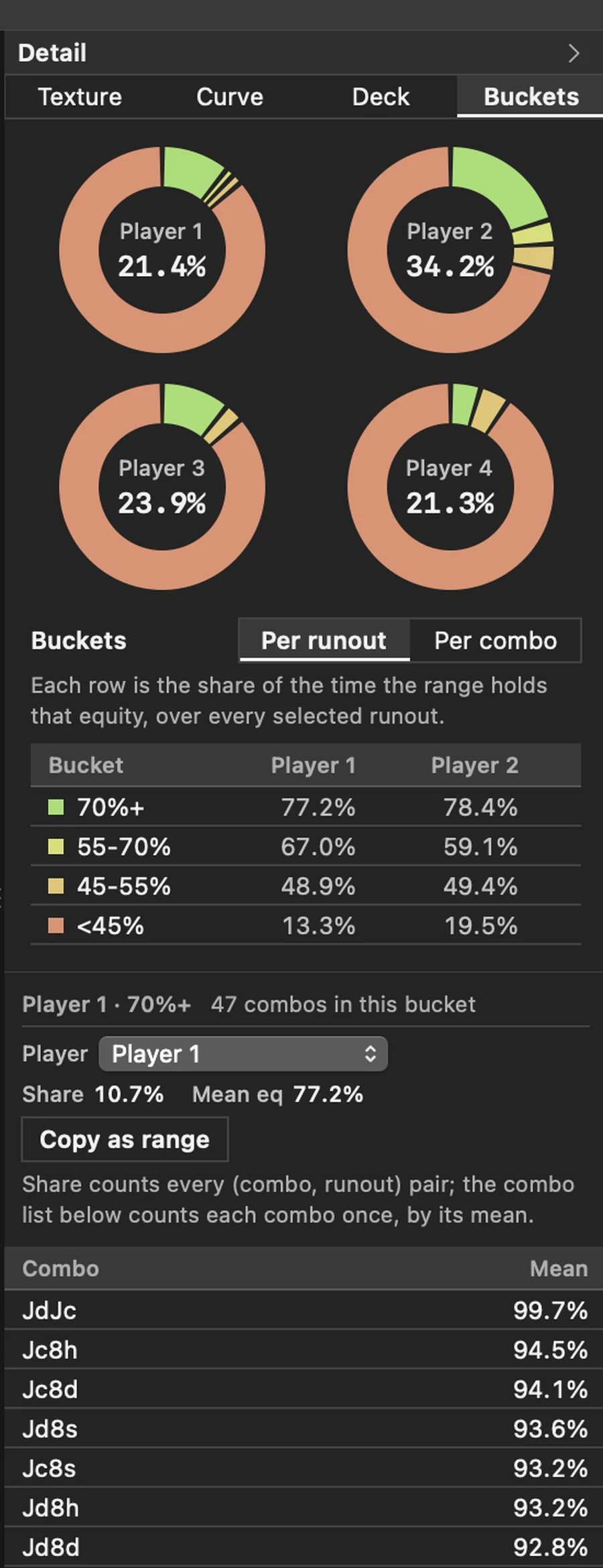
Runouts
Every turn and river card, scored against the equity you already have and sorted by how much it moves it. Cards are grouped by what they actually did: a straight completing, a flush completing, the board pairing, a brick, an overcard.
Each row carries the number of cards in it, how much of the deck that is by weight, and the best and worst case inside the group, so a category with a flattering average cannot hide a disaster in it.
Run it one street or two. Two streets averages every river behind every turn, which costs seconds rather than milliseconds and says so before you start.

Flops
One board is an anecdote. This runs the same two ranges over every flop that exists.

Where the maths can be done exactly, it is done exactly.
On a flop, Axis enumerates every villain combination against every possible runout. That is well over a million matchups, and it comes back in under a second, labelled Exact. Preflop, where exhaustive enumeration would run for hours, it falls back to simulation and tells you so, with the trial count on screen. You always know which kind of answer you are looking at.
Sampled runs are seeded, so the same question gives the same number every time. No more watching the last decimal wobble while you try to compare two lines.
- Postflop
- Exact enumeration
- Flop, turn and river. No sampling.
- Preflop
- Seeded simulation
- Same input, same number, every time.
- Sample size
- 20k to 2M
- Your choice, per run, shown with the result.
- Flop sweeps
- 1,755 flops
- Every canonical flop, grouped by texture.
- Table size
- 2 to 6 players
- Each seat weighted independently.
- Cancellation
- Cooperative
- Stop a long run and it drops the partial work.
The number you have to beat.
Give it the pot and what the call costs, and Axis works out the equity you need. That breakeven is not just printed somewhere: it becomes the centre of the heat ramp, so the colour a hand takes in the grid is telling you whether it calls, not just how it ranks.
Set it by hand instead if the spot is not a simple call.
Getting work out of it, and back in.
Scenarios
Save a spot under a name: ranges, board, dead cards and settings together. Open it later, or replace it when your read changes. The app reopens whatever you had last time.
Export
Copy any report as tab-separated rows and paste it straight into a spreadsheet. Copy a scenario as plain text. Copy a bucket of combinations back out as a weighted range string.
Keyboard
Deal a flop, deal the next street, run to the river, jump focus to the board or to either range, paste a range, run the flop sweep, collapse either side column. The shortcut list is a window in the app.
One number, when that is all you want.
Not every question needs the workbench. The quick equity window takes a board and up to six hands or ranges, gives you the split, and gets out of the way.
It shares the same engine as everything else, so the answer matches the one the full window would have given you, down to the last decimal.
Set up the way you read.
The app has a settings window rather than opinions. The ones that change how numbers land:
Numbers
Equity to nought, one or two decimals. Monospace in tables so columns line up, or proportional if you prefer. Deltas framed against the category or against the board.
Density
Panel spacing and overall density, plus a text size that runs through the whole interface rather than just the body copy. Either side column collapses.
Colour
Three validated player-colour pairs: classic blue and amber, a colour-blind safe pair, and a high-contrast pair. Two heat ramps for the same reason. Four-colour deck on or off.
Dark and light, both finished.
Axis follows the system appearance. Neither mode is the afterthought, and the data colours were checked for contrast in both.
The honest part.
What it will not do
Axis is an equity and range calculator. It is not a solver: it will not hand you a GTO strategy or betting frequencies, it does not compute ICM or tournament equity, and it does not connect to a tracker or a HUD. It answers “how often does this win?” precisely, and leaves the rest to you.
What it never sends
There is no network code in Axis at all. No account, no sign-in, no sync, no analytics, no crash reporter. Nothing you type can be sent anywhere, because nothing in the app can send it.
What it costs
Buy it once. No subscription, no in-app purchase, and no tier held back for later. One native bundle, no launcher and no runtime to install.
What it runs on
macOS 14 or later, on Apple silicon or Intel. Real menus, real undo, and a window that behaves like every other window on your Mac.
Stop estimating.
Coming to the Mac App Store.
macOS 14 or later · Apple silicon and Intel · one-time purchase